8 Best AI Tools for Marketing Automation in 2026
Author
Kavya Sharma
Date Published
Reading Time
14 min read
-1200x630-vWryKcxI41Tzm5IKlq42JLrpT6CNrq.png%3F2026-08-11T20%253A38%253A31.667Z&w=3840&q=82)
Most "best AI marketing automation" searches return email tools wearing AI labels.
The genuinely AI-native platforms, Gumloop, Zapier, and Make, rarely make the list.
The best AI tools for marketing automation in 2026 split into two groups: AI-native builders that use agents and judgment-based logic, and AI-enhanced platforms that layer AI features on top of rule-based workflows.
Knowing which group you need changes everything about which tool you should pick.
What is AI marketing automation?
It's the use of artificial intelligence, machine learning, or autonomous agents to run marketing workflows that used to need a human decision at each step.
Plain marketing automation follows fixed rules: a contact does X, the platform sends Y.
AI marketing automation adds judgment on top, deciding which email to send, writing it, adjusting timing based on behavior.
Most 2026 platforms sit somewhere between the two, and the branding doesn't always make that clear.
Quick verdict
Tool | Best for | Skip if |
Gumloop | Building judgment-based AI workflows without code | You want plug-and-play email templates |
Zapier | Adding an AI layer to a stack you already have | You're starting from zero with no tools |
Make | Testing complex AI workflows before paying | You need real-time triggers on the free plan |
HubSpot | Growing teams that need CRM plus marketing in one place | Budget is tight and Professional tier is far off |
ActiveCampaign | Advanced automation if you'll invest the learning time | You need your team productive within a week |
Klaviyo | Ecommerce stores with Shopify or WooCommerce | Your business isn't ecommerce-first |
Brevo | Multichannel automation on a tight budget | You assumed Starter includes automation (it doesn't) |
Customer.io | SaaS teams triggering automation from in-app events | Your triggers are email campaigns, not user events |
Which tools are actually AI-native, and which just added AI features?
These three didn't start as email tools. They started as automation or agent-building platforms, and marketing is one of many things you can point them at.
Gumloop
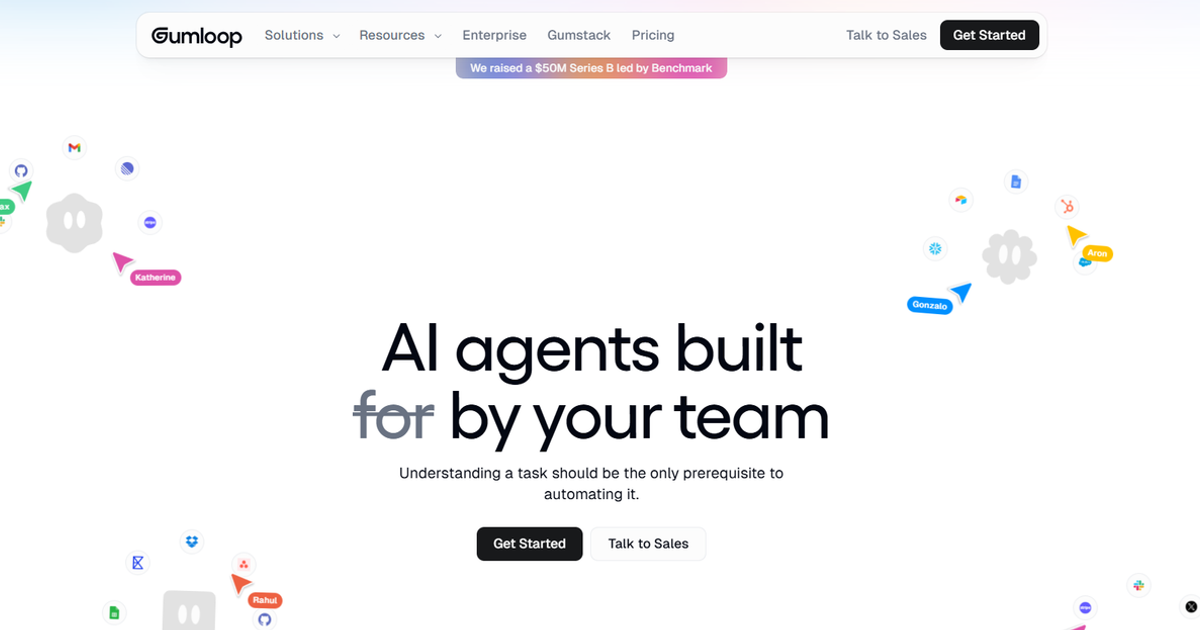
Gumloop is built for chaining AI steps together: scrape a lead's company site, enrich the record, draft a follow-up, without writing a single line of code.
It's the closest thing on this list to a true AI agent builder aimed at marketing and growth work specifically.
The single-trigger limit on the free plan means you can run exactly one automated workflow at a time before upgrading.
When it wins: you need a workflow that makes a judgment call, which lead to prioritize, what to say next, rather than just moving data from one app to another.
When it loses: you want a plug-and-play email platform with built-in templates and a support team on the phone. Gumloop assumes you're comfortable building, not just clicking through a wizard.
Worth knowing: Gumloop gives you built-in access to any major LLM, ChatGPT, Claude, Gemini, DeepSeek, without paying separately for API access. That's a meaningful cost difference if your workflows are AI-heavy, since most competing agent builders charge separately for model usage on top of the platform fee.
Pricing
- Free: 5,000 credits/month, 1 seat, 1 active trigger
- Pro: $37/month for 20,000+ credits, unlimited seats, MCP server hosting
- Enterprise: Custom
Pricing confirmed against Gumloop's official pricing page, August 2026.
Zapier (AI orchestration / MCP)
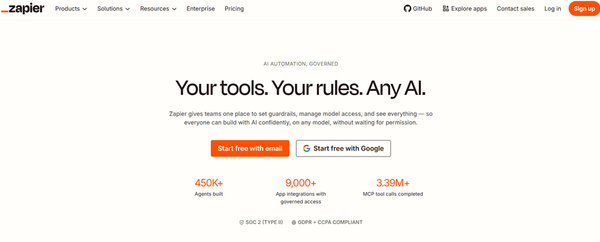
Zapier's AI features have repositioned it as an AI orchestration layer that sits on top of the tools you already use, connecting 9,000+ apps under a platform it now brands "Zapier MCP."
Instead of replacing your CRM or ESP, it lets an AI agent pull data from one and trigger actions in another.
When it wins: you already have a marketing stack, a CRM, an ESP, a form tool, and want an AI layer that connects them intelligently rather than replacing any of them.
When it loses: you're starting from zero. Zapier orchestrates other tools, it isn't a marketing platform on its own, so you'll still need something for it to connect to.
Worth knowing: Zapier's free plan caps you at 100 tasks a month, which sounds reasonable until you realize a single multi-step Zap can consume multiple tasks per run. A workflow that fires ten times a day will exhaust the free plan in under two weeks, so the free tier is genuinely only useful for testing, not production.
Pricing
- Free: $0/month, 100 tasks included
- Professional: $19.99/month (billed annually), 750 tasks, multi-step Zaps
- Team: $69/month (billed annually), 25 users, shared workflows
- Enterprise: Custom
Pricing confirmed against Zapier's official pricing page, August 2026.
Make
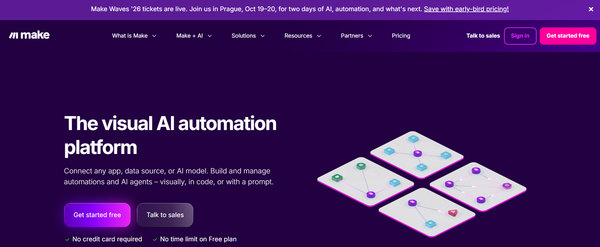
Make takes a similar orchestration approach with more granular, visual control over branching logic.
Its free plan carries no time limit, a detail worth noting since several competitors gate free access behind a trial countdown rather than a feature limit.
When it wins: your workflow has several conditional branches and you want to see the whole thing mapped visually before it runs.
When it loses: you just want something simple that works out of the box. Make's flexibility comes with a steeper initial setup than a plug-and-play ESP.
Worth knowing: Upgrading from Free to Core doesn't just buy more credits, it also drops the minimum run interval from 15 minutes to 1 minute and removes the 2-scenario cap entirely. For anyone whose workflow needs near-real-time triggers, Core at $12/month is the actual functional entry point, not Free.
Pricing
- Free: $0/month, up to 1,000 credits/month, no time limit, 2 active scenarios, 15-minute minimum run interval
- Make Plan: $9/month (billed annually) or $10.59/month (billed monthly) for 5,000 credits/month
- Company (Enterprise): Custom pricing
Pricing confirmed against Make's official pricing page, August 2026.
Most people running these three aren't replacing their existing email platform with them.
They're using Gumloop, Zapier, or Make as a layer that feeds into a traditional ESP, which is what the next section covers.
AI-enhanced traditional platforms
These are the tools most "best marketing automation" articles are actually reviewing, whatever the title says.
Each one is a rule-based automation platform with AI features added on afterward.
HubSpot (Breeze)
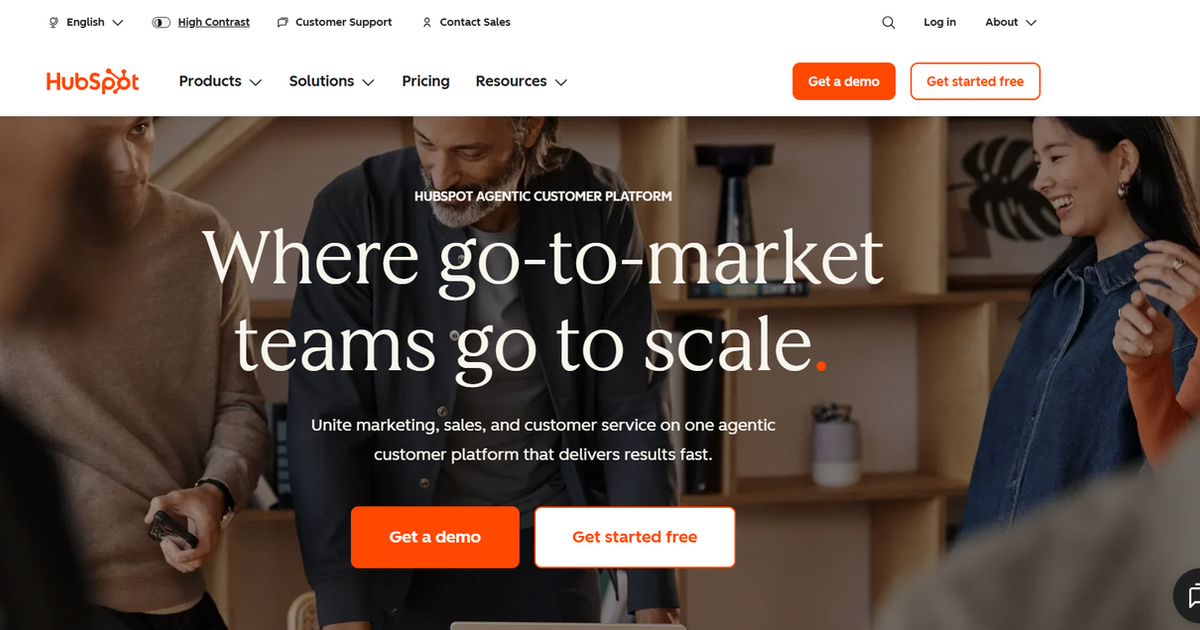
HubSpot's CRM tools ship AI features under the Breeze name: an AI assistant, content generation, and data enrichment sitting on top of the same workflow builder HubSpot has always had.
The free CRM covers up to 2 users with no credit card required.
One thing worth understanding before comparing HubSpot's price against anything else: Marketing Hub Professional starts at $800/month with a mandatory $3,000 one-time onboarding fee in the first year.
That's roughly a 44x jump from Starter.
Workflow automation, A/B testing, custom reporting, and lead scoring all live behind that wall, not on the Starter plan.
When it wins: your team is growing and wants one platform that handles CRM alongside marketing.
When it loses: budget is tight and the Professional tier is more than a year away. The 44x jump from Starter to Professional, plus the mandatory $3,000 onboarding fee, means the platform's most useful automation features are out of reach for most small businesses.
Worth knowing: HubSpot's AI agent features run on a separate credits system purchased on top of your seat license, not bundled into any tier. Starter includes 500 credits, Professional includes 3,000, and Enterprise includes 5,000. If you're comparing HubSpot's AI headline against other platforms, factor in whether those credits cover your actual usage before treating the seat price as your total cost.
Pricing
- Free: $0/mo, up to 2 users, no credit card required, no automation included
- Starter: $7/seat/month (annual billing, current promotional price, regular price $20/seat/month), includes 500 HubSpot Credits
- Professional: $800/month (annual only, regular price $890/month), includes 3 Core Seats, additional seats $45/month, includes 3,000 HubSpot Credits
- Enterprise: $3,600/month, includes 5 Core Seats, additional seats $75/month, includes 5,000 HubSpot Credits
Pricing confirmed against HubSpot's official Marketing Hub pricing page, August 2026. Starter is currently showing a promotional price of $7/seat/month against a crossed-out regular price of $20/seat/month. Professional similarly shows $800/month against a crossed-out $890/month. Both promotional prices may revert once the offer ends.
ActiveCampaign
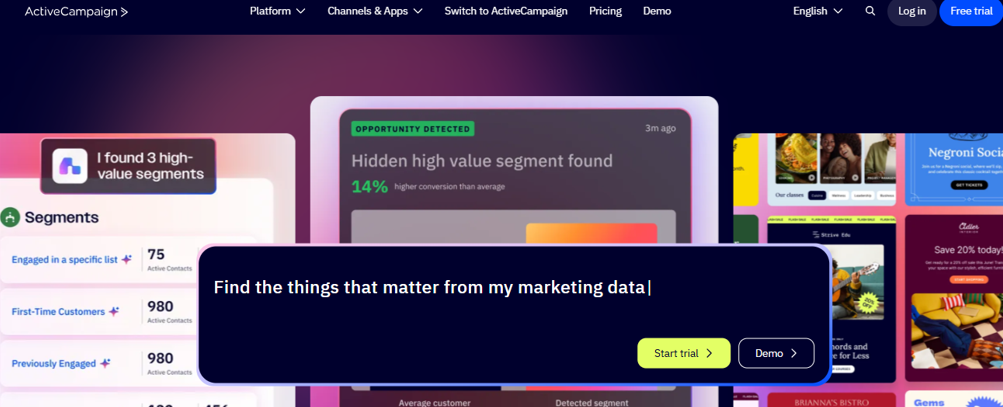
ActiveCampaign runs a genuinely capable automation builder once you've learned it, and that qualifier is doing real work.
It's one of the more powerful tools in this category for advanced branching logic, but it demands real time investment upfront.
When it wins: you need genuinely advanced branching logic and you're willing to invest time upfront.
When it loses: you need something your team can pick up in an afternoon, or your contact list is growing fast and you haven't modelled costs at 10,000 or 25,000 contacts before signing up.
Worth knowing: Starter is completely unavailable once your list exceeds 25,000 contacts, at which point you're forced onto Plus or higher regardless of which features you actually need. If you're growing fast, that forced upgrade can arrive with a significantly higher bill than you budgeted for, since Plus at 25,000 contacts costs considerably more than Starter at the same volume.
Pricing
- Starter: $15/month at 1,000 contacts, $39/month at 2,500 contacts, $149/month at 10,000 contacts
- Plus: $49/month at 1,000 contacts, $95/month at 2,500 contacts
- Pro: $79/month at 1,000 contacts
- Enterprise: $145/month at 1,000 contacts
- Note: Starter is not available above 25,000 contacts, you must move to Plus or higher
All prices billed annually, confirmed against ActiveCampaign's official pricing page, August 2026.
Klaviyo
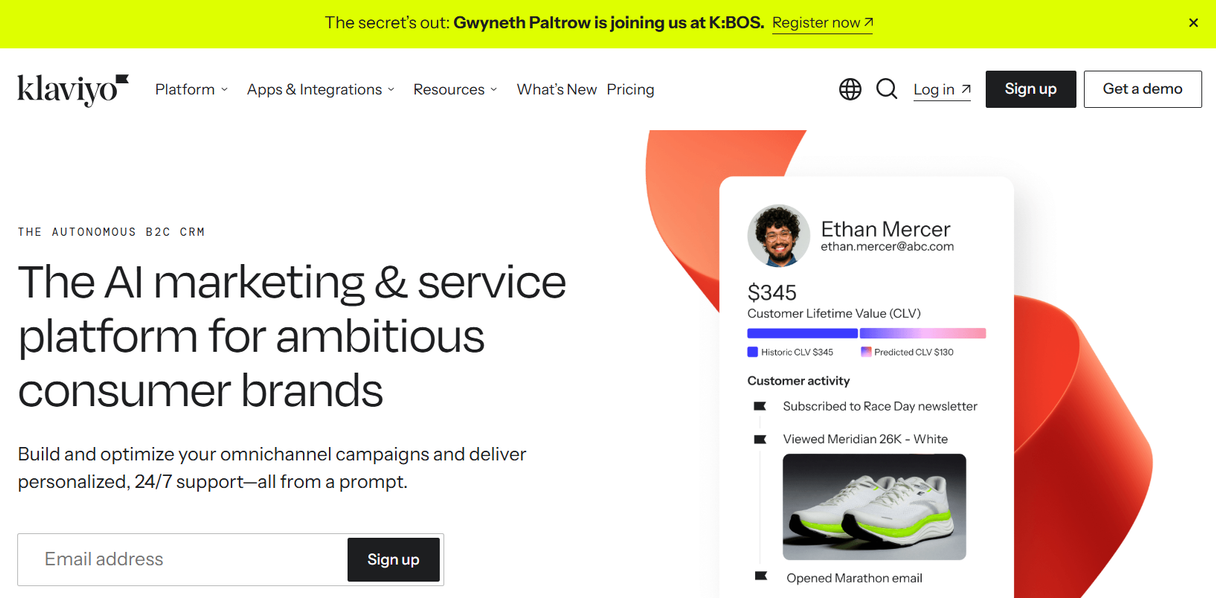
Klaviyo stays the strongest option if ecommerce is your primary channel, with behavior triggers built around browsing and purchase history that are harder to replicate in a general-purpose tool.
Since February 2025, Klaviyo bills by active profiles rather than contacts you actually email, meaning dormant contacts you've never messaged still count toward your monthly bill.
When it wins: you run an online store and need automation tied directly to purchase and browsing behavior.
When it loses: your business isn't ecommerce-first. Klaviyo's strongest features are built around a storefront, and you'll pay for capability you don't use if that's not your model.
Worth knowing: Klaviyo's Composer AI feature, which builds and reviews campaigns before you send, is not included in the Email subscription. It's a separate add-on at $110/month for 16,000 credits at the current discounted rate. If you're evaluating Klaviyo specifically for its AI capabilities, that add-on cost needs to sit alongside the base subscription in your budget, not separately.
Pricing
- Free: 250 active profiles, 500 emails/month, $5 mobile messages/month, email support for first 60 days only
- Email tier: $45/month at 1,001 to 1,500 active profiles, 15,000 emails included (marked as introductory pricing, may increase)
- Email + SMS: from $60/month minimum
- Composer AI add-on: $110/month for 16,000 credits (discounted from $157/month, limited time)
Free plan and Email tier pricing confirmed against Klaviyo's official pricing page, August 2026. Email tier is marked as introductory pricing on Klaviyo's own page and may increase once the promotion ends.
Brevo
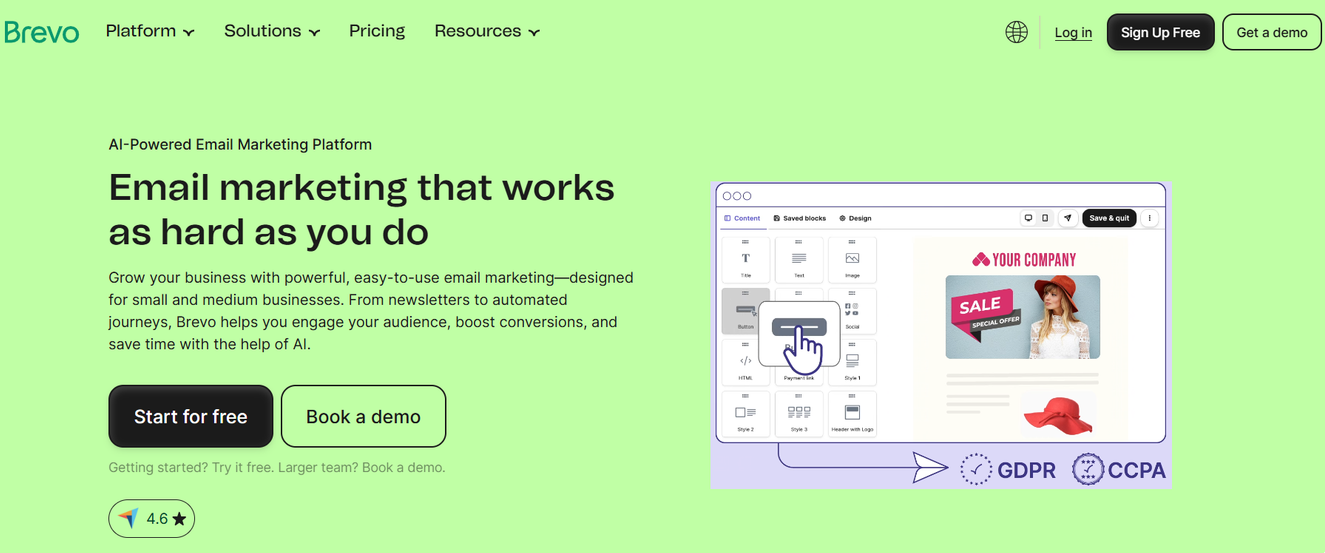
Brevo's AI layer now has a name, Aura, covering a marketing agent, a sales assistant, a data analyst, and a conversations agent for support replies.
Its pricing model is different from every other tool on this list: Brevo charges by emails sent per month rather than by contact count, making it significantly cheaper for businesses with large lists that send infrequently.
When it wins: you need multichannel automation on a tight budget and your list is large but low-frequency.
When it loses: you assumed Starter includes automation, or you need dependable support during a billing or deliverability issue.
Worth knowing: A business with 50,000 contacts that sends one campaign a month pays far less on Brevo than on a contact-based platform like Mailchimp or ActiveCampaign at the same list size. If your list is large but your sending frequency is low, Brevo's email-volume pricing model works strongly in your favour.
Pricing
- Free: 300 emails/day, unlimited contacts, automation limited to 2,000 contacts, Brevo branding on all emails
- Starter: $9/month for 5,000 emails/month, no automation included
- Standard: $18/month for 5,000 emails/month, automation, A/B testing, landing pages included
- Professional: $499/month, advanced features including WhatsApp, AI segmentation, web push
- Enterprise: Custom
Pricing confirmed against Brevo's official pricing page, August 2026. Figures shown are monthly billing rates. Annual billing saves an additional 10% across all paid tiers.
Customer.io
Customer.io is built for product-led SaaS teams triggering automation from in-app events rather than marketing campaigns.
If your triggers are user completed onboarding, user hit usage limit, or user churned, this fits better than anything else on this list.
When it wins: your business is product-led and your automation logic is driven by in-app behavior.
When it loses: your triggers are email campaigns and newsletter sends, your budget is tight, or your team is non-technical.
Worth knowing: Customer.io's Essentials plan at $100/month includes an AI Agent feature as part of the package, unlike HubSpot and Klaviyo where AI agent capabilities are sold separately on top of the base subscription. If agent-level automation is a requirement and you're a SaaS business, that bundled inclusion makes the $100 entry point more competitive than the headline number suggests.
Pricing
- Essentials: $100/month for 5,000 profiles, billed monthly
- Premium: $1,000/month billed annually, custom profile and email volume
- Enterprise: Custom
Pricing confirmed against Customer.io's official pricing page, August 2026.
The Best AI Tools for Marketing Automation: Full Comparison
Tool | Category | Free tier | Entry paid pricing | Best fit |
Gumloop | AI-native | 5,000 credits/mo, 1 trigger | $37/mo Pro | Judgment-based AI workflows |
Zapier (AI/MCP) | AI-native orchestration | 100 tasks/mo | $19.99/mo Professional | Connecting an existing app stack |
Make | AI-native | 1,000 credits/mo, no time limit | $9/mo Make Plan (annual) | Testing AI workflows before paying |
HubSpot (Breeze) | AI-enhanced | Free CRM, 2 users, no automation | $7/seat/mo annual (promo) | Teams growing into a full CRM |
ActiveCampaign | AI-enhanced | Free trial only | $15/mo Starter at 1,000 contacts | Advanced branching, if you'll invest the time |
Klaviyo | AI-enhanced | 250 profiles, 500 emails | $45/mo Email tier, introductory rate | Ecommerce-first businesses |
Brevo | AI-enhanced | 300 emails/day, automation limited | $18/mo Standard (real automation entry point) | Budget-conscious, multichannel teams |
Customer.io | AI-enhanced | None | $100/mo Essentials at 5k profiles | Product-led SaaS, in-app triggers |
Can you combine an AI agent tool with your existing ESP?
Yes, and it's the option that gets skipped almost everywhere else in this search result.
A common setup in 2026 runs Zapier's AI layer or Make on top of a traditional ESP like Klaviyo or ActiveCampaign.
The AI tool handles enrichment, lead scoring, or content generation, while the ESP still owns email deliverability and sending.
You don't have to replace your current platform to add AI-native logic.
You're choosing which layer handles which job.
Common mistakes when picking a marketing automation tool
- Assuming "AI" in the product name means agent-level automation, when it often means a subject-line generator bolted onto rule-based workflows.
- Ignoring pricing at scale and budgeting only for your current contact count, not where you'll be in a year.
- Skipping the CRM-integration check, then discovering the "integration" is a one-way data push, not a real sync.
- Choosing based on feature count instead of what your team will actually use in the first 90 days.
- Treating the free tier as a full trial when it's often gated well below what the paid plan actually does.
- Assuming Mailchimp's free tier still works the way it did a few years ago. It has scaled back automation limits significantly since 2019, so verify current restrictions before using it as a baseline comparison.
So which one do you actually need
Start with the layer, not the tool.
If you're testing whether AI-native automation fits your workflow, Make's uncapped free tier or Gumloop's free credits let you find out without a subscription.
If you already have a CRM and an ESP and want an AI layer connecting them, Zapier's orchestration approach adds that without forcing a platform switch.
If you're picking a traditional platform to build around, HubSpot suits teams planning to grow into a full CRM suite, ActiveCampaign rewards teams willing to invest time into advanced automation, Klaviyo makes sense for ecommerce-first businesses, and Brevo's Standard plan at $18/month is the most honest low-cost starting point for anyone who needs workflow automation rather than just email sends.
Check which category you're actually buying, and whether the AI piece is even included in the price, before you commit.
Frequently Asked Questions
What's the difference between marketing automation and AI marketing tools?▾
Is there a genuinely free AI marketing automation tool?▾
Does HubSpot's marketing automation use AI?▾
What's the best marketing automation tool for a small business on a tight budget?▾
How steep is the learning curve for AI-powered marketing automation platforms?▾
Do marketing automation tools integrate with a CRM?▾
Written by
Kavya Sharma
Kavya Sharma is a senior content writer and prompt specialist at FirmBees, focused on AI tools, workflow automation, and practical prompt engineering. She holds Commerce degrees from Delhi University and IGNOU, along with a data analytics certification covering Excel, Power BI, and SQL. That analytical training is visible in her work: every prompt she publishes is tested across multiple AI models, and her guides include specific inputs, expected outputs, and measurable comparisons.