9 Best Sales Analytics Tools in 2026
Author
Kavya Sharma
Date Published
Reading Time
11 min read

Most "best sales analytics tools" lists are either a vendor's own product page wearing a listicle costume, or a 25-tool dump that treats a 3-person startup and a 300-person sales floor the same way.
Sales analytics tools turn your CRM and call data into forecasts, pipeline dashboards, and rep performance reports. In 2026 they range from genuinely free to $550 per user, per month.
So what's the real first question? Not "which tool is best." It's "which category do I need, and what can I actually afford to run."
What is sales analytics software?
Sales analytics software collects data from your CRM, calls, and deals, then turns it into forecasts, pipeline visibility, and performance dashboards. It falls into three types:
- CRM-native analytics built into tools like Salesforce or HubSpot
- Standalone business intelligence platforms like ThoughtSpot
- Revenue intelligence tools that analyze sales calls and forecast risk, like Gong or Clari
The shortlist criteria
Here's the thing nobody tells you upfront: the tool category matters more than the tool name. Before you compare features, you need to know which of these three buckets you're actually shopping in.
CRM-native analytics lives inside the CRM you're already using. Salesforce, HubSpot, and Zoho all build reporting and forecasting directly into their platforms. You don't add another login. You do inherit whatever limits that CRM's reporting engine has.
Standalone BI tools like ThoughtSpot pull data from multiple sources, including your CRM, and build dashboards independent of any one platform. These make sense once you're blending sales data with finance, marketing, or product data.
Revenue intelligence and conversation analytics tools, like ZoomInfo's Chorus, analyze actual sales calls and emails to flag deal risk and coach reps. This is a different job than dashboards. It's about what was said on the call, not just what got logged in the CRM.
Use five criteria to evaluate any tool in these three buckets:
- Pricing transparency: can you find a real number without booking a demo
- Free tier depth: how much it actually lets you do
- Setup time: how fast a rep can start using it
- Integration reach: how deep it connects with tools you already run
- Adoption friction: how much reps will fight before they use it daily, this one kills more rollouts than any missing feature
"Okay, but what's this actually going to cost me?" Here's the shortcut answer, then the full case for each tool below it.
Quick decision matrix
Team size | Budget signal | Primary need | Best starting point |
Solo / 2 to 3 people | Free | Basic pipeline visibility | Zoho CRM (free, up to 3 users) |
Small team, 2 people max on free | Free to $20/seat/mo | Basic pipeline visibility | HubSpot free CRM (2-user cap), Salesforce Free Suite (2-user cap), or HubSpot Starter |
Small team, budget-first, no free tier needed | $14 to $79/seat/mo | Simple visual pipeline | Pipedrive |
Growing / mid-market | $25 to $175/user/month | Forecasting + built-in dashboards | Salesforce Starter Suite through Enterprise, or HubSpot Sales Hub Professional |
Revenue intelligence-focused | Custom quote, demo required | Call analysis + deal-risk forecasting | ZoomInfo + Chorus, Gong (platform fee), or Clari (no platform fee) |
That's the fast version . Here's the full breakdown, starting with the smallest teams.
For solo and small teams (2 to 10 people)
1. HubSpot (free CRM tier)
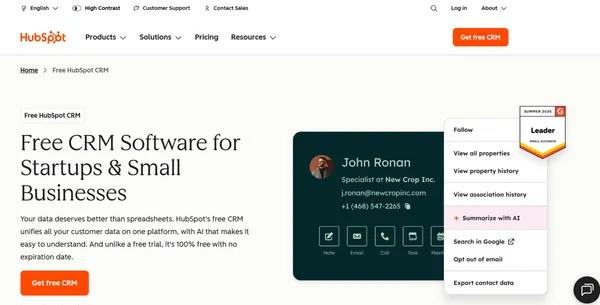
HubSpot's free CRM includes pipeline tracking and deal reporting with no expiration date. That puts it ahead of tools that dangle a 14-day trial and call it "free."
The catch most "free CRM" roundups skip: it's capped at 2 users. It's really built for a founder and one teammate, not a small team of five.
HubSpot's automation genuinely saves time on follow-ups, and the visual pipeline is easy to use day to day. Deeper reporting and automation sit behind paid tiers though, the honest catch with the free plan: it's real, but it's shallow.
HubSpot Sales Hub pricing
- Free: $0, capped at 2 users
- Starter: $20/seat/mo (promotional discount active at time of check)
- Professional: $100/seat/mo, plus one-time $1,500 onboarding fee
- Enterprise: $150/seat/mo
Where it wins: fastest setup on this list, free tier never expires.
Where it loses: the 2-user cap means most small teams hit a paid tier fast, and pulling a cross-object report on Professional can require exporting data and finishing the analysis elsewhere.
2. Zoho CRM (free up to 3 users)
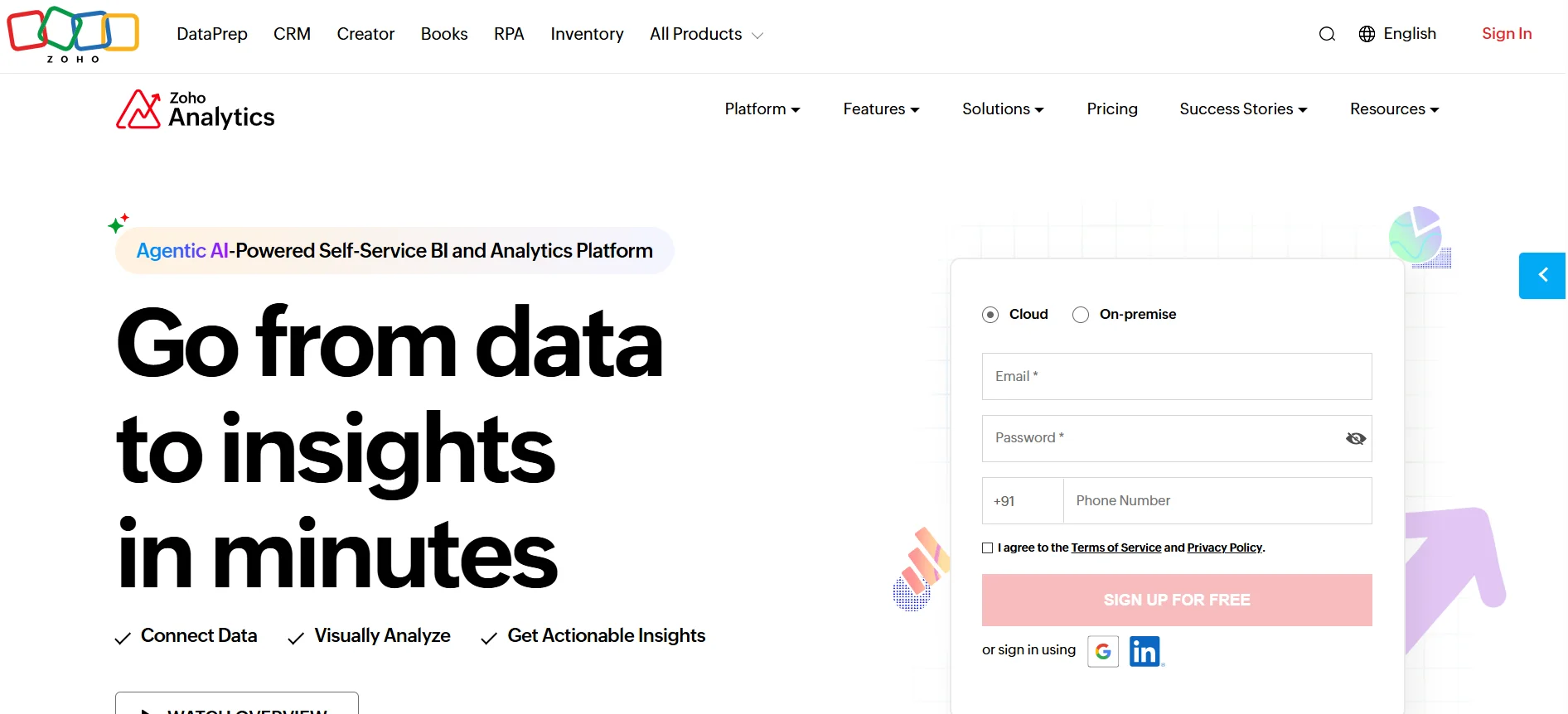
Zoho's free plan covers up to 3 users. It includes leads, deals, workflow automation, standard reports, and a mobile app, a complete starter kit, not a stripped-down trial.
Custom dashboards and unlimited reports are actually Professional-tier features. The free plan gives you standard reports only.
Zoho CRM pricing
- Free: $0, up to 3 users
- Standard: $14/user/mo
- Professional: $23/user/mo
- Enterprise: $40/user/mo
- Ultimate: $52/user/mo
But let's be honest: even paid, flexible dashboards don't guarantee flexible reporting. On the Zoho Community forum, one small business owner described a year spent configuring Zoho CRM's reporting and still couldn't get the specific cross-referenced report they needed (appointments per rep, cross-checked against deals closed and lead type).
Where it wins: true free tier for small teams, not just a trial, and the widest price range on this list per dollar unlocked.
Where it loses: cross-referenced, multi-object reporting is a real gap based on that community thread, and it doesn't get fixed until Enterprise, where Zia AI and custom modules unlock. Test that exact report before you commit.
3. Pipedrive
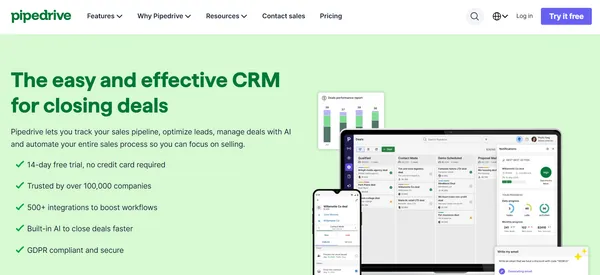
Pipedrive is a CRM built around pipeline visualization for small sales teams. No permanent free plan, just a 14-day trial.
Pipedrive pricing
- Lite: $14/seat/mo
- Growth: $39/seat/mo
- Premium: $59/seat/mo
- Ultimate: $79/seat/mo
Where it wins: cheapest entry price on this list, and genuinely simple setup for teams that just want a visual pipeline.
Where it loses: no permanent free plan (budget-first founders get more runway on Zoho or HubSpot), and forecasting depth tops out lower than Salesforce or Zoho at the higher end.
For growing and mid-market teams
4. Salesforce Sales Cloud
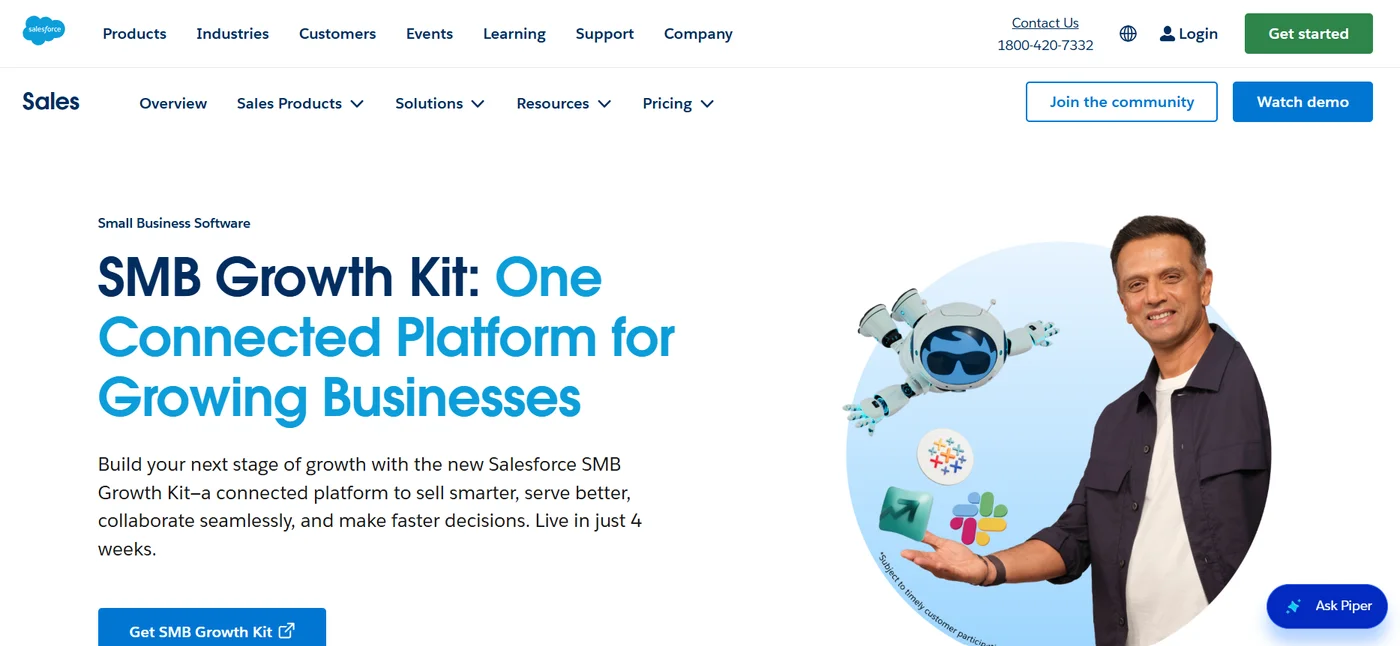
Salesforce's analytics stack has six tiers, including a free entry point most competitor roundups skip.
Salesforce Sales Cloud pricing
- Free Suite: $0, capped at 2 users
- Starter Suite: $25
- Pro Suite: $100
- Enterprise: $175
- Unlimited: $350
- Agentforce 1 Sales: $550
Where it wins: the most customizable forecasting of any CRM-native option, with multi-dimensional pipeline analysis HubSpot and Zoho don't match natively, plus a genuinely free 2-user Free Suite tier most competitor lists overlook entirely.
Where it loses: cost and setup time. You're not getting Einstein-level forecasting at the $25 tier, and getting there takes real configuration work, not a weekend.
5. Zoho Analytics
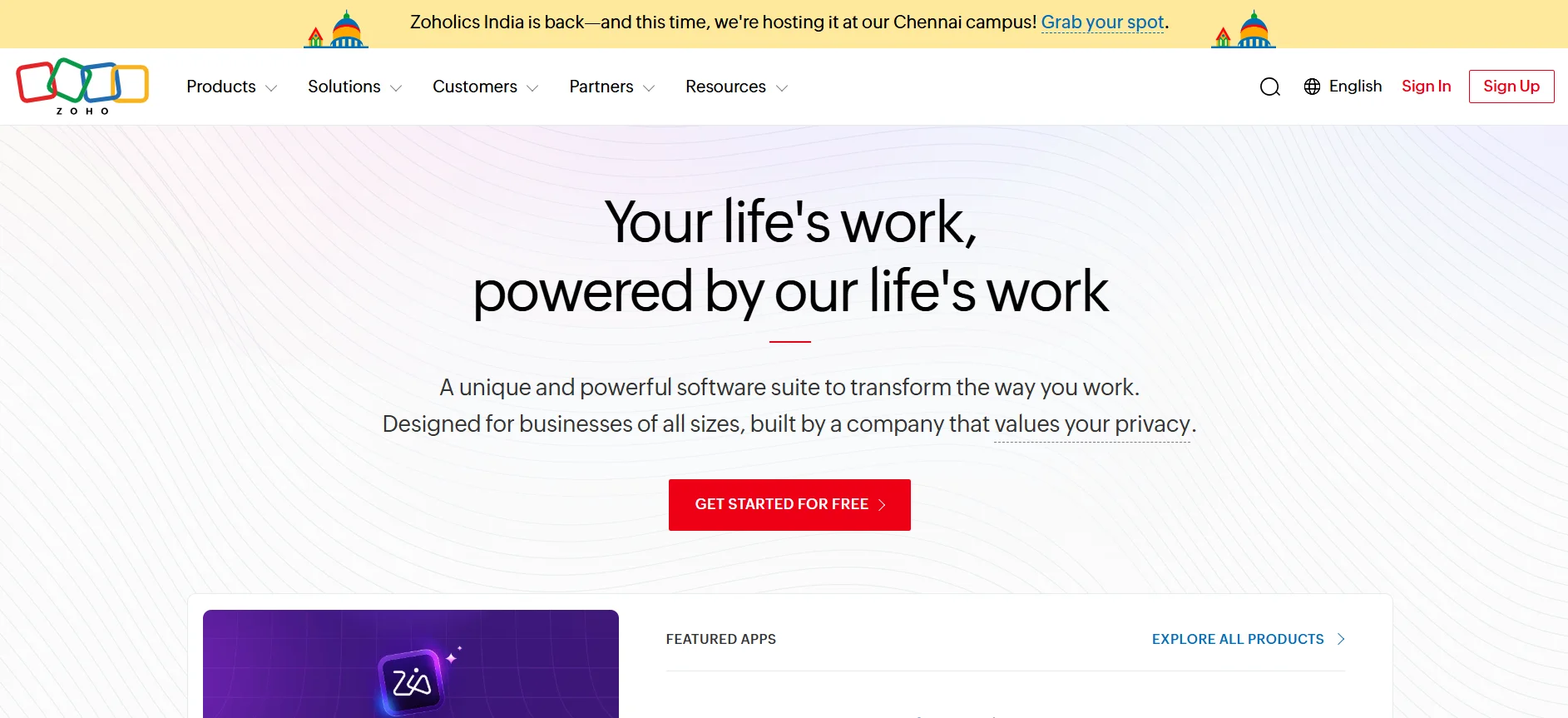
Zoho Analytics is Zoho's standalone BI layer, separate from the free CRM tier. It's built for teams that want dashboards pulling from more than just CRM data.
Its own product page namechecks Tableau, Power BI, and Sisense as alternatives in its FAQ, a rare moment of a vendor page pointing at competitors directly.
Where it wins: genuinely useful once a team outgrows CRM-native dashboards and wants win-loss rate tracking and AI forecasting pulled from multiple data sources.
Where it loses: it's a second tool on top of Zoho CRM, not a replacement for its reporting gaps. It adds a login rather than fixing the underlying customization ceiling.
6. HubSpot Sales Hub (paid tiers)
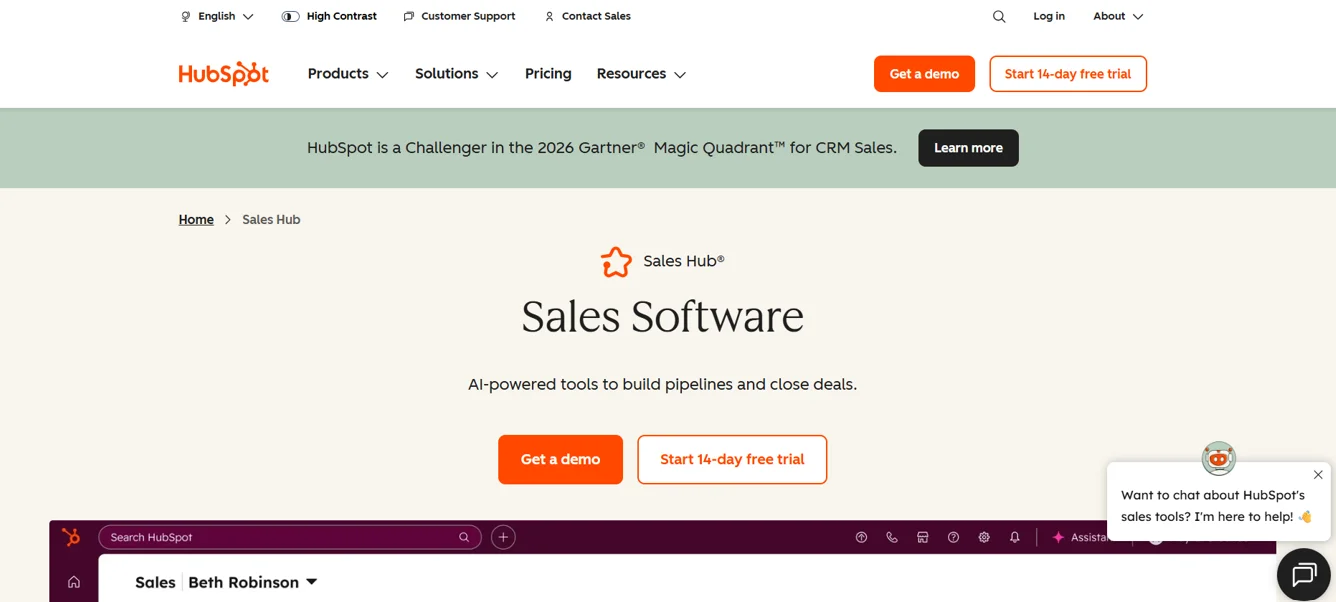
Moving past the free CRM, HubSpot's paid Sales Hub tiers unlock the automation and reporting depth the free tier holds back. See the pricing table above.
This is the natural next step for a team that outgrew the free plan's limits but wants to stay inside one platform rather than bolting on a separate BI tool.
Where it wins: staying in one ecosystem instead of managing a CRM and a separate analytics tool.
Where it loses: the same cross-object reporting limitation persists into paid tiers, so teams with complex, multi-object reporting needs may still hit a wall here.
For revenue intelligence and forecasting-heavy teams
7. ZoomInfo + Chorus
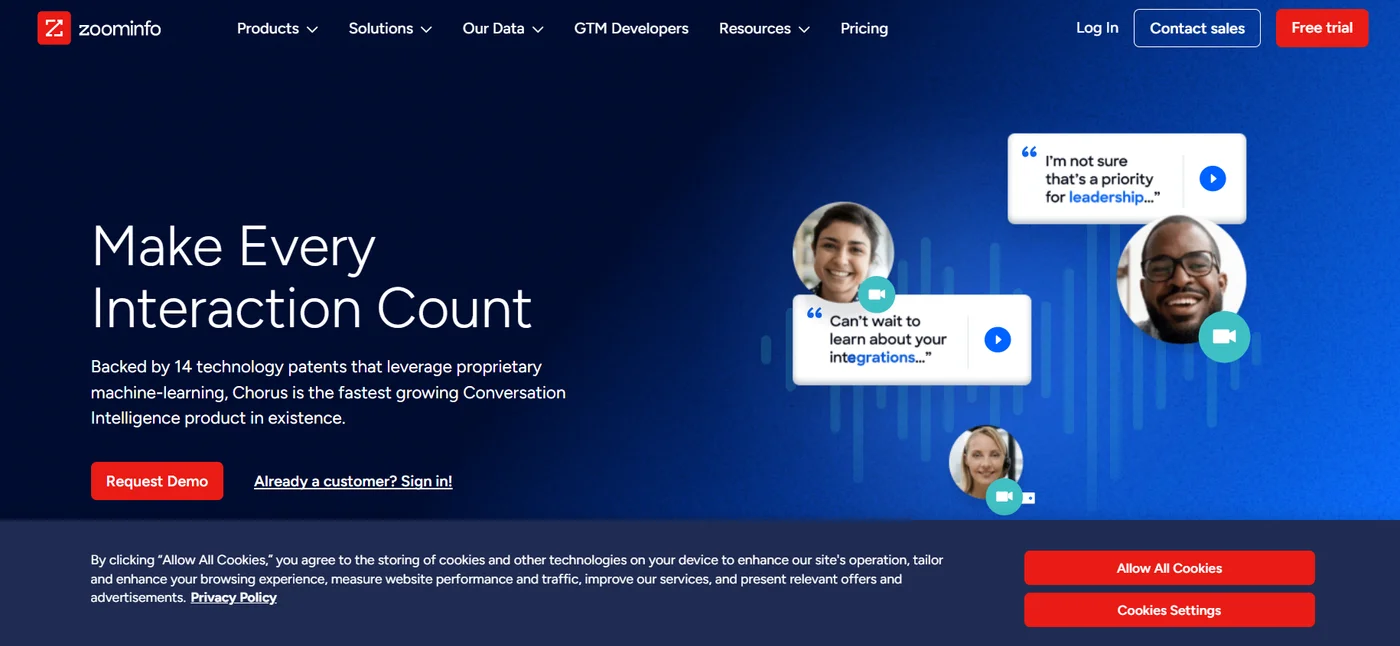
ZoomInfo bundles its own data platform with Chorus, its conversation intelligence product, and ranks the combination as the top pick in its own buyer's guide.
Worth naming plainly: a vendor ranking its own product first in its own listicle is a pattern worth watching for across this entire category, not just here.
Real, specific pricing isn't published for ZoomInfo+Chorus, or for most tools in this tier. You'll need to request a demo to get a number.
Where it wins: conversation intelligence, meaning it analyzes what was actually said on calls, not just what got logged afterward.
Where it loses: no public pricing to compare against a budget upfront, and the vendor's own comparison table is self-authored.
8. Gong
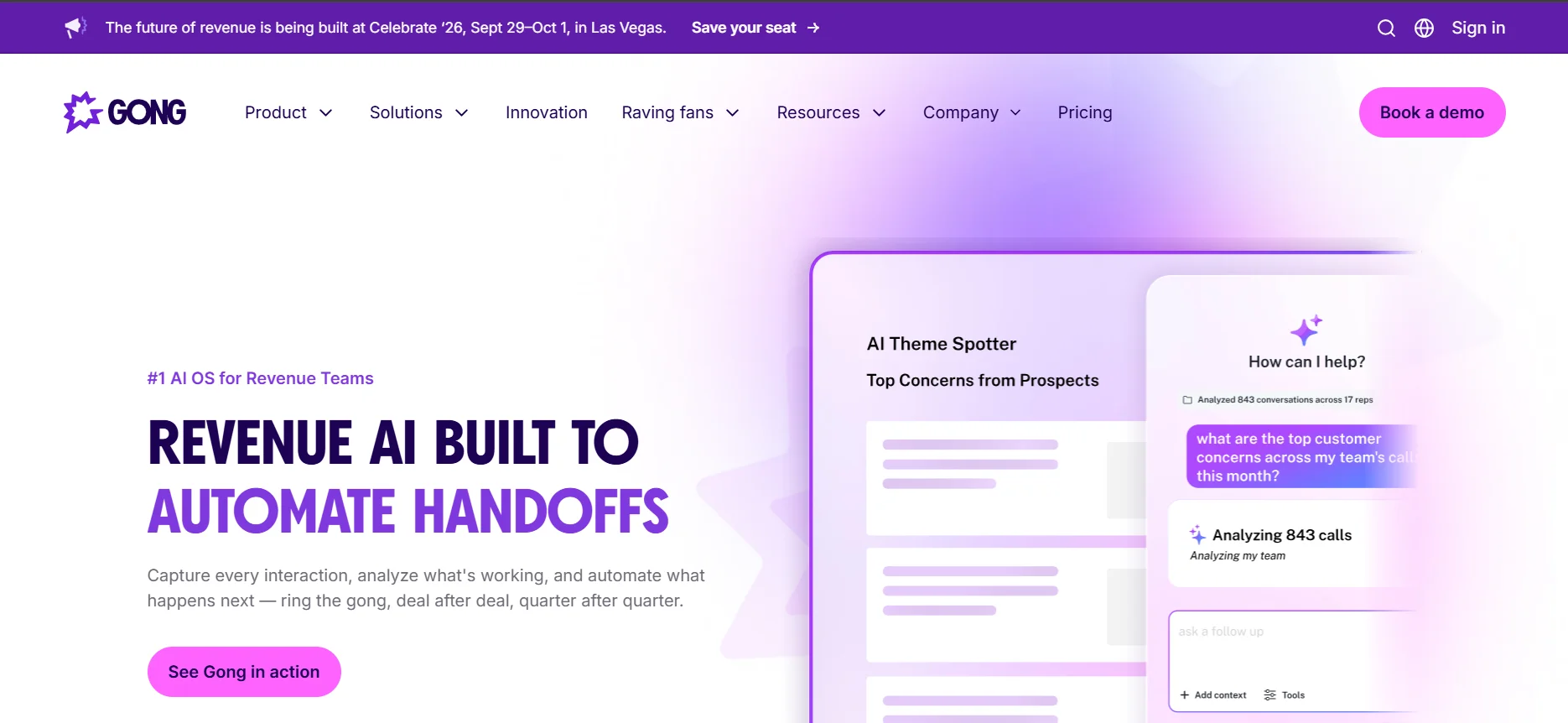
I checked Gong's live pricing page, August, 2026. It doesn't publish numbers at all. Instead it routes you into a lead form asking your team size (1-50, 51-1,000, 1,001-9,999, or 10,000+) before "preparing a customized proposal."
Gong's pricing model: licenses are priced per user, plus a separate platform fee based on how many users the account supports. Existing tech stack integrations are free.
Gong's product lineup splits into named modules:
- Gong Engage – sales engagement
- Gong Forecast – revenue forecasting
- Gong Enable – sales enablement
- Gong Revenue Graph – relationship mapping
All sit on top of its core conversation intelligence. As of this check, Gong's page lists a 4.7 rating on both Gartner and G2, and 9.1 on TrustRadius.
Where it wins: category-leading conversation intelligence, with a modular structure if you only need part of the platform.
Where it loses: that separate platform fee means the per-user license price alone won't tell you your real bill.
9. Clari
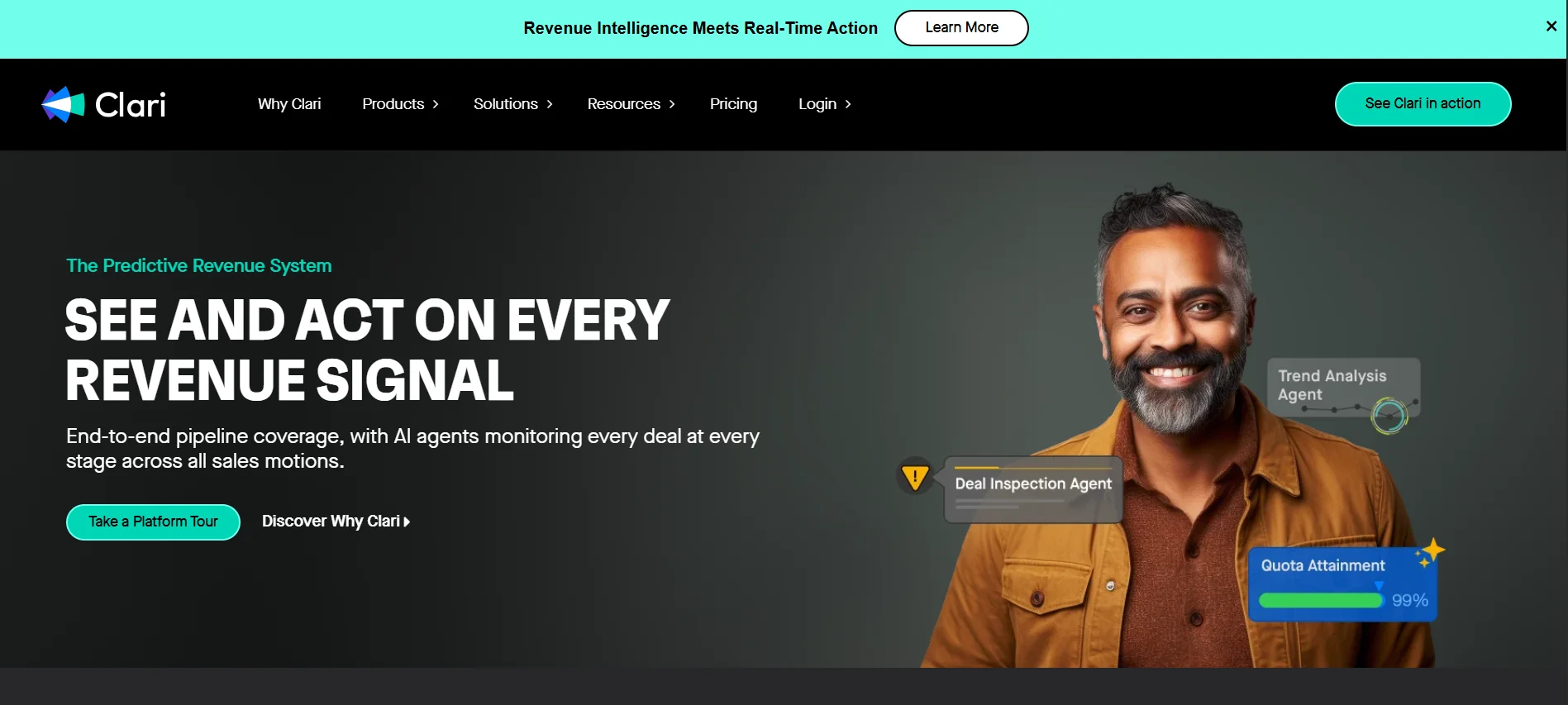
I checked Clari's live pricing page, August, 2026. Like Gong, it doesn't publish numbers, everything routes through a "get a quote" flow.
The one concrete difference worth noting: Clari's pricing page states plainly there are "no platform fees" for integrations or ongoing support, a direct contrast to Gong.
Clari's platform splits into named capabilities:
- RevAI – AI deal scoring and forecasting
- RevDB – data capture and integrations
- Copilot – conversation intelligence and coaching
- Groove – sales engagement and prospecting
- Forecast – pipeline management
Clari's own page also cites a 448% return on investment, a 30% increase in first meetings booked, and 90% less time spent on forecasting activities.
Where it wins: forecast-risk modeling and pipeline inspection, with a pricing structure that avoids Gong's separate platform fee.
Where it loses: still no public number to compare against a budget before a sales call, same limitation as the rest of this category.
Do you need a separate revenue intelligence tool if you already use Salesforce?
Only if conversation intelligence is actually the gap.
Salesforce's native forecasting covers pipeline-based projections well, but it doesn't analyze the content of your rep's calls and emails the way Chorus or a comparable tool does.
- If your problem is "we can't predict which deals will slip," Salesforce's forecasting tools may already cover it.
- If your problem is "we don't know why deals slip," that's a conversation intelligence question, and it points toward a separate tool.
Common mistakes when picking a sales analytics tool
- Buying enterprise BI to fix dirty CRM data. If reps aren't logging deals consistently, a fancier dashboard won't fix the data quality problem, it'll just visualize the mess faster.
- Assuming "free CRM" means "free analytics." HubSpot's free tier caps at 2 users and Zoho's at 3, and both cover basic pipeline tracking only. AI-driven forecasting and advanced reporting sit behind paid plans on both.
- Skipping the cross-object report test. Before buying, try to pull one report that filters across rep, deal stage, and lead source at the same time. That's the exact gap the Zoho Community user hit after a year of setup.
- Confusing "more dashboards" with "better data access." Some buyers don't actually need flashier charts, they need the ability to run more complex, nested queries against existing data, which is a different gap than a dashboard fixes.
- Treating vendor comparison tables as neutral. Several tools above rank their own product first in their own published buyer's guides.
- Ignoring rep adoption friction. A dashboard nobody logs into is worse than no dashboard, since it still costs a subscription and gives you false confidence that data is being captured.
The bottom line
The real decision isn't which tool has the most features. It's whether your bottleneck is:
- Pipeline visibility: CRM-native analytics probably solves it
- Cross-source data blending: that's a standalone BI conversation
- Call-level insight into why deals stall: that's revenue intelligence territory
Start with the free tier that matches your team size. Run one real report through it that mirrors how you'd actually use it. Only move up a tier once that specific report breaks.
Frequently Asked Questions
Is there free sales analytics software?▾
What's the difference between sales analytics software and a CRM?▾
Does sales analytics software really improve sales performance?▾
Salesforce vs. HubSpot for sales analytics, which is better?▾
Do I need a separate revenue intelligence tool like Gong or Clari if I already use Salesforce?▾
How much does sales analytics software actually cost in 2026?▾
What's a red flag when evaluating a sales analytics vendor?▾
Written by
Kavya Sharma
Kavya Sharma is a senior content writer and prompt specialist at FirmBees, focused on AI tools, workflow automation, and practical prompt engineering. She holds Commerce degrees from Delhi University and IGNOU, along with a data analytics certification covering Excel, Power BI, and SQL. That analytical training is visible in her work: every prompt she publishes is tested across multiple AI models, and her guides include specific inputs, expected outputs, and measurable comparisons.